Recover Files with Free Ransomware Decryption Tools
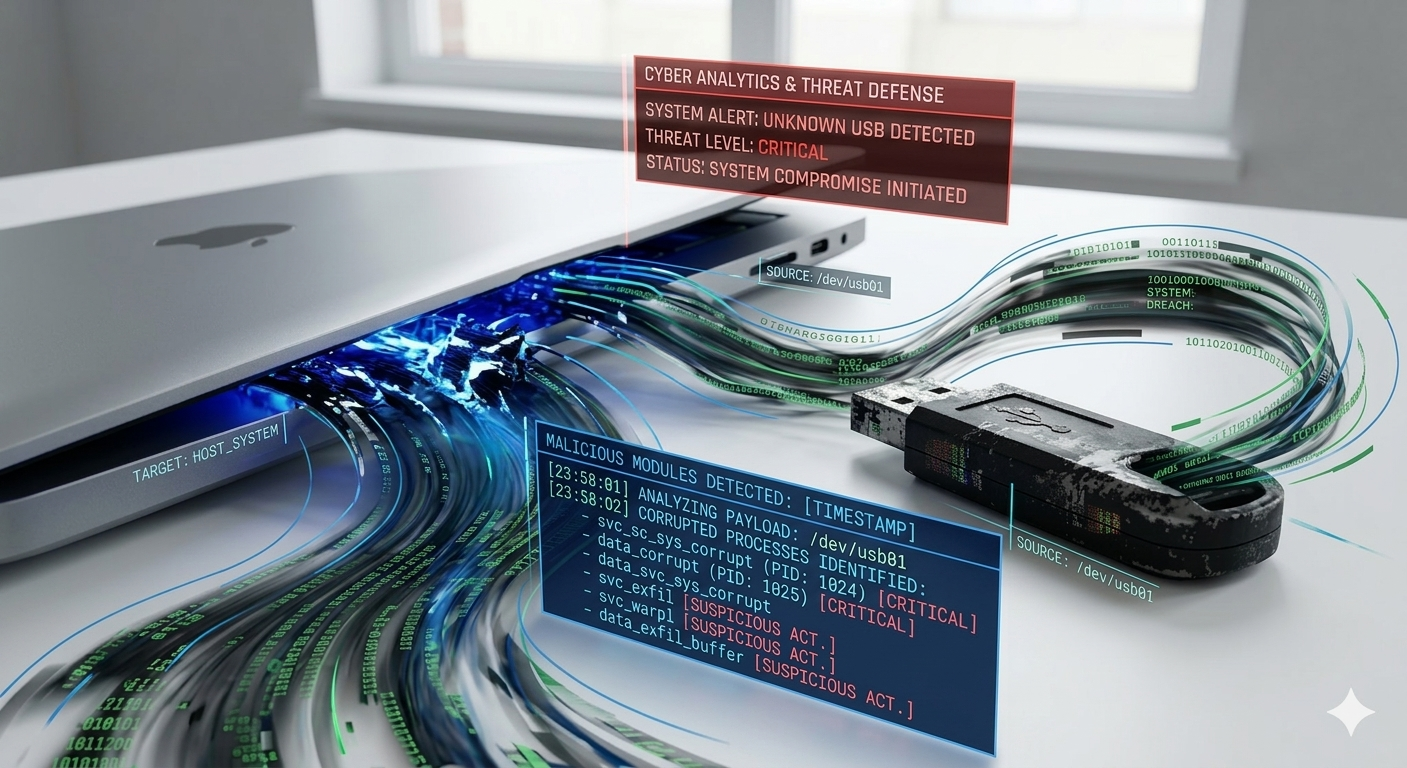
Ransomware recovery starts with containment and evidence preservation, followed by variant identification, trusted decryptor checks, eradication, and restoration from known-clean backups. Recovery options depend on the exact malware and the condition of your backups.
Editorial Team//Updated: October 2026//15 min read
Quick Answer
Can you decrypt ransomware without paying? Sometimes. Isolate affected systems first, preserve evidence, identify the ransomware, and check a trusted service such as No More Ransom for a matching decryptor. A tool only works for supported variants. Otherwise, recovery usually depends on clean offline backups or specialist incident response.
Assess Your Data Loss Scenario
Data recovery is not a one-size-fits-all process. Recovering a deleted file is different from decrypting ransomware, restoring a clean backup, or dealing with a factory reset on a modern encrypted device.
Data Recovery Possibility Checker
Select your situation to determine the correct recovery path.
Reasons Deleted Files Are Not Really Gone (Usually)
When you delete a file on a standard file system (NTFS, FAT32), the OS does not immediately overwrite the 1s and 0s. It simply removes the master file table (MFT) reference, marking that sector of the drive as "available for use." As long as no new data is written over that exact physical space, standard data recovery software can rebuild the header and retrieve the file.
That said, three things change this rule entirely: SSD architecture (TRIM), hardware-backed encryption (BitLocker, Android File-Based Encryption), and malicious cryptographic rewriting (Ransomware).
The Ransomware Attack Chain
Understanding how "fake system checks to obscure its file encryption" actually work helps clarify why decryption tools either work perfectly or fail entirely.
01
Infection & Obfuscation
The payload executes. Some strains run fake "chkdsk" or Windows Update screens to obscure high CPU usage while the encryption process begins in the background.
02
Key Generation
The malware generates a unique local encryption key, encrypts your files, and then encrypts that local key with the attacker's public master key.
03
Shadow Volume Deletion
Commands like vssadmin.exe Delete Shadows /All /Quiet are executed to ensure you cannot simply roll Windows back to a previous state.
04
The Ransom Demand
Extensions change (though "cryptolocker" does not always change file extensions initially), and the ransom note drops. The local key is destroyed from RAM.
Specific Ransomware Families & Decryption
If encryption is active, disconnect affected systems from networks and shared storage to limit further damage. Preserve ransom notes, encrypted samples, logs, and—when qualified responders are available—system images or memory captures. Then identify the variant and check trusted sources for a decryptor. The FBI does not support paying a ransom because payment does not guarantee recovery.
For an organizational incident, follow the CISA StopRansomware response checklist, report the incident to the appropriate authorities, and involve qualified legal, insurance, and incident-response contacts.
Ways to identify your strain and find a free decrypt tool:
Isolate affected devices. If isolation is impossible and encryption is spreading, power them down; this can sacrifice volatile evidence, so involve an incident responder when possible.
Only download a decryptor from a trusted source, confirm it matches the identified variant, and work on copies of encrypted data.
A decryptor is variant-specific. A tool listed for one ransomware family or version may corrupt data from another, so preserve originals and follow the publisher's instructions exactly.
Why family names alone are not enough
Variant matters: A decryptor may support only selected versions, keys, or campaigns within a named ransomware family.
Identification matters: File extensions can be reused or changed. Use the ransom note and encrypted samples rather than guessing from an extension.
Availability changes: New keys and tools can become available after law-enforcement or research work. Check the current trusted catalog.
Backups remain primary: Restore only after the environment has been cleaned and secured, using backups known to predate the compromise.
Build a Layered Ransomware Recovery Plan
No single product guarantees ransomware recovery. CISA recommends offline, encrypted backups that are regularly tested, along with patching, access controls, endpoint protection, network segmentation, logging, and an exercised incident-response plan.
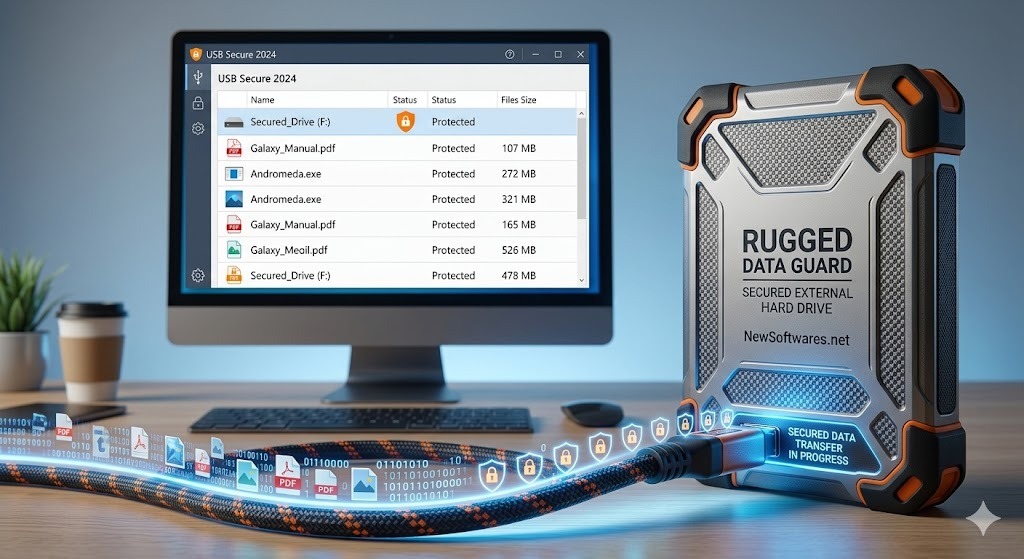
[+]Dynamic Virtual Drives: Creates AES-256 encrypted lockers that secure data on-the-fly as it is added, keeping the unreadable files entirely local.
[+]Access Control: Locking selected folders can reduce casual or unauthorized access, but it is not a substitute for endpoint protection or system isolation during an incident.
[+]Encrypted Backup Options: Keep recovery copies separate from production systems and test that you can restore them; continuously connected copies may also be reached by ransomware.
[+]Credential Responsibility: Store recovery information safely. Encryption can make data inaccessible when a password or key is lost.
Folder Lock is developed by NewSoftwares.net. Available for Windows, Android, iOS, and macOS.
Secure Deletion vs Regular Deletion — The Technical Difference
If you are on the opposite side of the spectrum—wondering "how to permanently delete files so they cannot be recovered" before selling a computer—you must understand data sanitization.
SSD vs HDD — How Secure Deletion Differs
On a spinning Hard Disk Drive (HDD), file shredder software overwrites the physical platter with random data. The Gutmann approach overwrites 35 times, though modern forensics agrees 1-3 passes is sufficient for HDDs.
Solid State Drives (SSDs) are various. since of wear-leveling algorithms, if you tell file shredder software to overwrite a file, the SSD controller might write the "zeros" to a completely various memory chip to save wear, leaving your original data intact.
NIST 800-88 data sanitization standard explicitly states that standard software wiping tools should not be used on SSDs. You must use ATA Secure Erase or NVMe Format commands built into the drive's firmware.
Preparing Hardware for Disposal or Resale
Before relinquishing control of a computer or external drive, simply dragging files to the trash is a massive security vulnerability. Advanced users must employ targeted data destruction to ensure no forensic traces remain.
Tools like Folder Lock offer comprehensive data shredding modules specifically for this purpose. Beyond standard file deletion, such software lets you actively wipe 'empty' drive space. This guarantees that the scattered remnants of previously deleted files are mathematically annihilated. Depending on your security needs, you can select selected destruction standards ranging from a single-pass of zeroes for speed, to the Department of Defense (DoD 5220.22-M) three-pass protocol, all the way up to the rigorous 35-pass Peter Gutmann algorithm for absolute certainty.
Can you get files back after a factory reset?
On Windows/Mac HDDs: Yes, a standard "quick format" or Windows reset often leaves data fully recoverable using advanced file recovery software.
On Modern Android / iOS Devices: No. After a factory reset on modern mobile devices, data cannot be recovered. Android and iOS use File-Based Encryption (FBE). The factory reset command destroys the cryptographic keys stored in the hardware secure enclave. The encrypted data left on the flash memory becomes permanently undecipherable math:
Encryption and access controls protect selected data
native DoD file shredder
Secure cloud sync recovery
Forensic Software
TestDisk / PhotoRec
Deep raw file carving capability
Can recover corrupted partitions
Steep learning curve (Command Line)
Cannot bypass BitLocker/FBE keys
Problem Solving & Owner Recovery
Ways to get back corrupted files
If a file header is corrupted (not encrypted), you can often strip the header and extract the raw data using tools like TestDisk. If you accidentally saved over a PDF file, check Windows "Previous Versions" (Right-click > Properties > Previous Versions), which relies on Volume Shadow Copies.
Encrypted lockers depend on their credentials and recovery options. If you lose the required password or key, recovery may be impossible. Check the product's current recovery process and store recovery information separately and securely before relying on an encrypted locker.
Furthermore, if you suspect unauthorized individuals are trying to guess your credentials, Folder Lock includes Hack Attempt Monitoring. This function actively logs incorrect password entries—including the time, date, and selected module targeted—allowing you to audit attempts to brute-force your vault.
If you are trying to recover a Windows BitLocker drive, you can extract the 48-digit recovery key if you have admin access to the running OS. Open CMD as Administrator and run:
manage-bde -protectors -get C:
This command output will display the ID and the 48-digit recovery password. If the drive is already locked and Windows won't boot, you must retrieve this 48-digit key from your linked Microsoft Account online.
We receive hundreds of queries asking "after reset phone can data be recovered." To be explicitly clear: Android encryption factory reset data recovery is a myth. If the screen is broken, you can recover data via ADB. If the phone was factory reset, the hardware keystore was wiped. The data is gone.
Common Questions and Answers
The Gutmann method for secure deletion? Explained
It is an algorithm developed by Peter Gutmann in 1996 that overwrites a hard drive 35 times using selected patterns. While famous, even Gutmann now states that modern drives only require 1 or 2 passes of random data to be securely wiped.
Can police recover deleted files from a wiped hard drive?
If a standard HDD was wiped with a single pass of zeroes, no. Modern magnetic force microscopy cannot read "under" a clean zero-pass on modern high-density drives. If the drive was only "quick formatted," yes, forensic teams can easily recover it.
What does 'DoD 5220.22-M' wiping standard mean?
It refers to a US Department of Defense data sanitization standard that involves overwriting data three times (Zeros, Ones, Random) followed by a verification pass. Folder Lock includes this standard in its file shredder function.
Is it possible to recover files from a formatted hard drive?
Yes, if you performed a "Quick Format." A quick format only deletes the file system table, leaving the data untouched until overwritten. Stop using the drive immediately and run data recovery software.
How do I get my secure folder back on Samsung?
If you uninstalled Secure Folder, the data inside it was likely wiped as it relies on Knox hardware encryption. If you just hid the icon, go to controls > Biometrics and security > Secure Folder, and toggle "Add Secure Folder to Apps screen".
We've recovered a zip file, but it's encrypted. We don't know the password, can you recover the flag?
In Capture The Flag (CTF) scenarios, you must use tools like zip2john to extract the hash, and then run John the Ripper or Hashcat with a wordlist (like rockyou.txt) to crack it. There is no magic "unlock" button without computing power.